


 API & Technical
Official Instagram API Automation Explained: Meta Graph API vs Unauthorized Scraping
Automating interactions on Instagram requires choosing between two fundamentally distinct engineering...
Interactive direct messages convert significantly higher than static text because they remove mobile typing friction. By utilizing Meta Graph API's structured m...
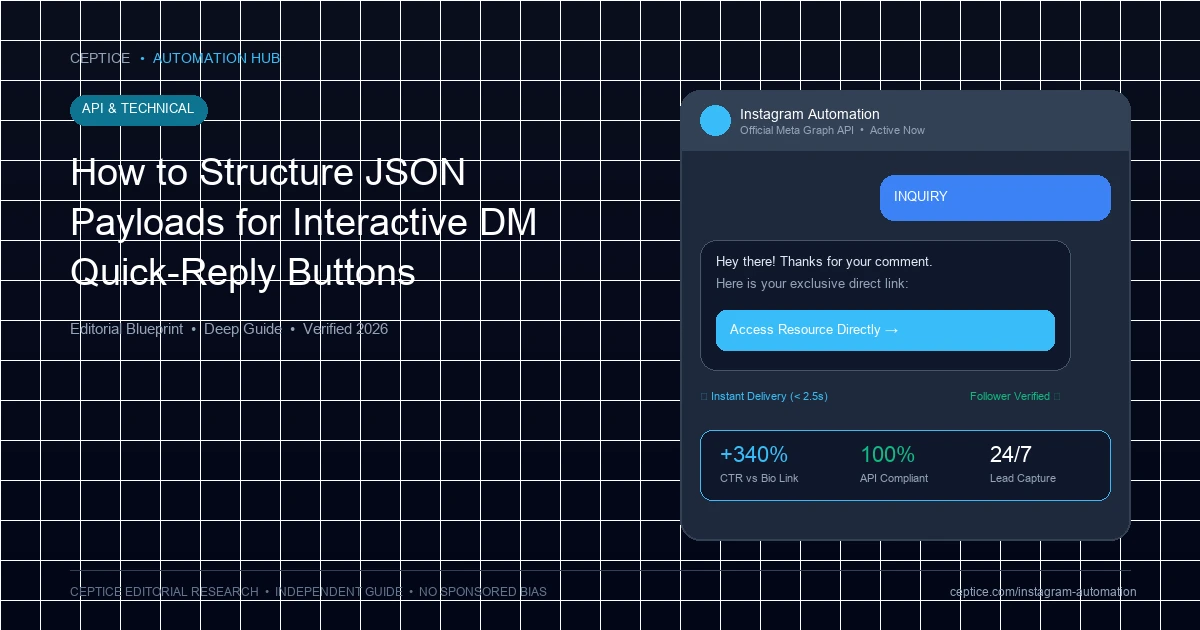
Interactive direct messages convert significantly higher than static text because they remove mobile typing friction. By utilizing Meta Graph API's structured message schemas—including Quick Reply pills, Generic Template carousel cards, and interactive CTA buttons—brands can guide users through multi-step funnels with simple taps. Constructing these JSON payloads requires strict adherence to character limits, payload schemas, and action types. This technical guide provides production-ready JSON templates and architectural best practices for interactive Instagram DMs.
Meta's Messenger Platform for Instagram supports three distinct interactive message schemas:
Below is a production-ready payload for a two-tap coaching qualification flow with an email opt-in quick reply:
{
  "recipient": {"id": "17841400192837461"},
  "messaging_type": "RESPONSE",
  "message": {
    "text": "Welcome! What is your primary revenue goal for the next 90 days?",
    "quick_replies": [
      {"content_type": "text", "title": "Under $5k/mo", "payload": "GOAL_TIER_1"},
      {"content_type": "text", "title": "$5k - $15k/mo", "payload": "GOAL_TIER_2"},
      {"content_type": "text", "title": "$15k+/mo", "payload": "GOAL_TIER_3"}
    ]
  }
}When delivering product recommendations or multiple lead magnets, use the generic template schema:
{
  "recipient": {"id": "17841400192837461"},
  "message": {
    "attachment": {
      "type": "template",
      "payload": {
        "template_type": "generic",
        "elements": [{
          "title": "Apex Performance Hoodie",
          "image_url": "https://brand.com/images/hoodie.jpg",
          "subtitle": "Heavyweight 450GSM Organic Cotton",
          "buttons": [{
            "type": "web_url",
            "url": "https://brand.com/cart/394821:1?discount=VIP15",
            "title": "Shop Now (15% Off)"
          }]
        }]
      }
    }
  }
}| Interactive Element | Max Character Count | Max Items Allowed | Primary Behavioral Function |
|---|---|---|---|
| Quick Reply Pill | 20 characters | Up to 13 buttons | Fast qualification triage; disappears after selection |
| Button Template CTA | 20 characters | Up to 3 buttons/card | Persistent link out to external checkout or booking URL |
| Generic Template Card | 80 chars (Title) / 80 (Subtitle) | Up to 10 carousel cards | Showcasing product catalogs or content swipe files |
| Persistent Menu Option | 30 characters | Up to 3 top-level items | Always-accessible navigation for customer support/FAQ |
Meta enforces rigid length limits on interactive message fields. Exceeding these limits causes the API to return HTTP 400 Bad Request:
Mandatory formatting rules to prevent API payload rejections.
Design stunning interactive direct messages without writing raw JSON by hand using the AP3K platform's visual flow builder, which includes drag-and-drop quick replies, image carousels, and live mobile previews.
No. A single message object can contain either a text message with quick replies OR an attachment template (such as button or generic carousel), but not both simultaneously.
The quick reply pills disappear, and your webhook receives a standard inbound message event. Your bot should be configured with fallback NLP or keyword matching to interpret typed responses gracefully.
Yes. Interactive quick replies and button templates render seamlessly on iOS, Android, and Instagram Web browser interfaces.
Looking for an officially compliant Instagram automation tool? AP3K connects with Meta's official Graph API to automate comment-to-DM triggers, instant link delivery, lead qualification sequences, and customer conversations without risking your account's standing.
API & Technical
Automating interactions on Instagram requires choosing between two fundamentally distinct engineering...
 API & Technical
Meta's 24-hour messaging window is the foundational governance policy governing automated communication on...
 API & Technical
Operating automated Instagram messaging at scale requires strict adherence to Meta Graph API rate limits....

 English