Delivering links through Instagram comments has replaced the outdated 'link in bio' as the primary conversion mechanic on social media. When a follower comments a specified trigger keyword on your Reel, Carousel, or single image post, automated software instantly delivers the requested link directly to their private inbox within 2 to 5 seconds. This tutorial breaks down the exact end-to-end setup process, link card construction, UTM attribution, and deliverability best practices.
1. The Three Technical Components of Instant Link Delivery
Setting up automated link distribution requires connecting three core elements: your Instagram Professional account, a Meta-approved automation platform, and a designated trigger post. When a user posts a comment matching your target keyword, Meta's edge servers dispatch a webhook to your automation software, which verifies the event and immediately calls the Graph API POST /me/messages endpoint to transmit a rich link card directly to the commenter's direct inbox.
2. Designing the High-Conversion Link Delivery Card
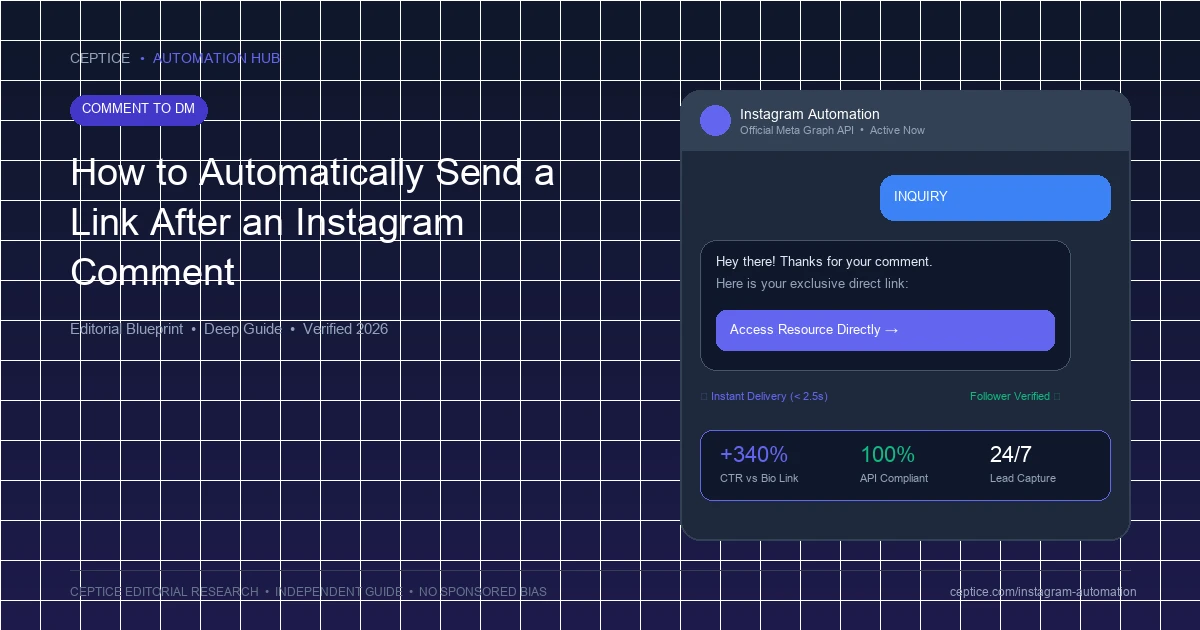
Never send a raw, unformatted URL string in an automated DM. Raw URLs look untrustworthy and frequently get overlooked. Instead, construct a structured Button Template containing three key elements: a brief 10-word confirmation greeting, a clean action title, and a native tappable CTA button (e.g. 'Open Free Guide' or 'View Product'). This renders a clean mobile webview card that opens directly inside Instagram's native browser.
Automated Link Delivery Execution Steps
- 1. Post Selection: Select active Reel or post in dashboard and specify trigger keyword (e.g. 'BLUEPRINT').
- 2. Public Reply Config: Set 8 rotating public comment replies with 3-7s randomized jitter delay.
- 3. Card Construction: Build Button Template with tracked URL, UTM tags, and primary action button.
- 4. Live Validation: Test trigger using an independent secondary account to verify instantaneous inbox delivery.
3. Link Tracking & UTM Attribution Architecture
To accurately measure the return on your social media content, append granular UTM parameters to every automated link. Structure your query parameters systematically: utm_source=instagram, utm_medium=comment_to_dm, utm_campaign={post_topic}, and utm_content={trigger_keyword}. This allows Google Analytics 4 and Shopify to attribute revenue directly to the specific Reel and keyword that generated the interaction.
| Delivery Method | Average Open Rate | Click-Through Rate (CTR) | User Experience |
|---|
| Automated Direct Message | 88% - 94% | 32% - 48% | Instant, 1-tap mobile card in native inbox |
| Link in Bio Aggregator | N/A (Passive) | 1.8% - 3.5% | High friction: requires profile navigation & reload |
| Manual DM Copy-Paste | 80% - 90% | 20% - 28% | Slow: 4-12 hour delay destroys real-time interest |
| Public Comment Link | Publicly Visible | Under 1% | Unclickable on Instagram mobile app; looks spammy |
4. Preventing Link Delivery Failures & Privacy Restrictions
Occasionally, an automated DM will fail to reach a user. This occurs primarily when the commenter has enabled strict privacy restrictions (such as disabling message requests from accounts they do not follow) or when their inbox is full. To prevent dropped leads, configure your automation to post a randomized public comment reply reminding the user to check their 'Message Requests' folder if their main inbox remains quiet.
Link Delivery Compliance Protocols
Maintain perfect delivery rates with official rules.
- Use only HTTPS URLs with verified SSL certificates to avoid security blocks.
- Do not use URL shorteners like bit.ly that trigger algorithmic spam filters; use clean domain links.
- Never send more than one unsolicited link per comment trigger.
- Operate strictly within Meta's 24-hour standard messaging window.
To automate instant link delivery effortlessly across your Reels and posts, the AP3K platform provides a streamlined setup wizard with automatic link tracking, UTM generation, and public reply rotation.
Frequently Asked Questions
Why can't I just post links directly in public comments on Instagram?
Instagram disables hyperlinks in public post comments on mobile apps. URLs appear as plain, unclickable text, forcing users to manually memorize or copy long addresses, resulting in near-zero conversion.
Can I automatically deliver different links from the same post?
Yes. By utilizing multi-keyword branching, you can assign different destination URLs to different keywords (e.g., commenting 'MEN' delivers the men's catalog link, while 'WOMEN' delivers the women's catalog link).
Does the user have to follow me to receive the automated link?
No. Meta permits private replies to comments from non-followers. However, you can optionally configure follower verification gating to require a follow before unlocking the link.



 Comment to DM

 Arabic