For digital creators, educators, and influencers, setting up automation software can feel intimidating. Many platforms require complex enterprise logic trees and custom webhook code that overwhelm non-technical creators. Modern platforms like AP3K were engineered specifically around creator workflows—offering visual flow builders, turnkey comment-to-DM triggers, and automated follower verification gating. This step-by-step setup guide takes you from account connection to capturing your first verified lead in under ten minutes.
1. Step 1: Connecting Your Instagram Professional Account
Log in to the AP3K dashboard and select 'Connect Instagram'. Complete the Meta OAuth dialog, ensuring you select your Instagram Creator or Business account and its connected Facebook Page. Grant permissions for instagram_manage_messages and instagram_manage_comments. In your Instagram mobile app, verify that Settings & Privacy → Messages and story replies → Connected tools → Allow access to messages is toggled ON.
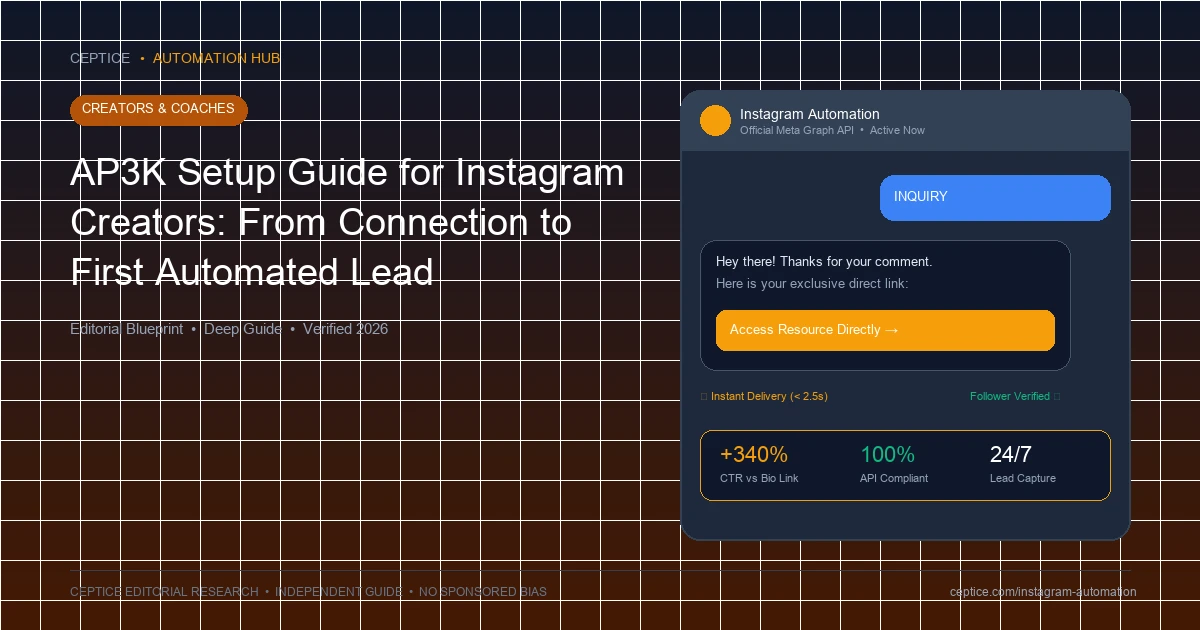
In the AP3K visual builder, click 'Create New Flow' and select 'Instagram Comment Trigger'. Select an active Reel or Carousel from your media feed, and specify your trigger keyword (e.g. GROWTH). Toggle 'Contains matching' so variations like 'growth please' trigger reliably.
10-Minute Creator Setup Workflow
- Minute 0 - 2: Account Handshake: Connect Instagram Professional profile to AP3K via official Meta OAuth authorization.
- Minute 2 - 5: Visual Flow Build: Add Comment Trigger node, set keyword 'BLUEPRINT', and configure 10 rotating public replies.
- Minute 5 - 8: Follower Gating: Connect Follower Check logic and add 1-tap email capture quick reply button.
- Minute 8 - 10: Live Verification: Comment keyword from personal test account; verify instant delivery and CRM sync.
3. Step 3: Configuring Follower Verification Gating
Drag a 'Follower Check' node into your workflow. If the user follows your profile, deliver the asset immediately. If not, prompt them with an automated follow request card and an 'I Followed' button. This single step ensures that every viral Reel actively builds your permanent audience.
| Platform Feature | Generic Enterprise Bot Software | Creator-Dedicated Workflow (AP3K) |
|---|
| Onboarding Setup Time | 2 - 5 Hours (Complex configuration) | Under 10 Minutes (Turnkey wizard) |
| Follower Verification Gating | Requires custom API webhook scripts | Native 1-Click Logic Node |
| Creator ESP Connectors | Requires paid third-party middleware (Zapier) | Native direct integrations (ConvertKit, Beehiiv) |
| Visual Mobile Preview | Desktop text editor only | Real-time iOS/Android visual simulator |
4. Step 4: Connecting ConvertKit, Beehiiv, or Google Sheets
Connect your email service provider using AP3K's native integrations. When the user taps their verified profile email in chat, their contact data is synchronized instantly, triggering your email welcome sequence without manual export.
Creator Onboarding Safeguards
Setting up campaigns cleanly from Day 1.
- Ensure the Instagram profile maintains Creator or Business account status.
- Verify that 'Allow access to messages' remains toggled ON at all times in mobile settings.
- Test every newly published automation with a non-follower secondary account before announcing publicly.
- Rotate at least 10 unique public comment replies to preserve account standing.
Get started with official Meta Graph API automation in under 10 minutes using the AP3K platform's creator onboarding wizard.
Frequently Asked Questions
Do I need technical coding knowledge to set up AP3K?
No. AP3K is built completely as a no-code visual drag-and-drop platform, allowing creators, coaches, and artists to build advanced funnels without writing a single line of code.
Can I manage multiple Instagram accounts from one AP3K dashboard?
Yes. AP3K supports multi-account management, making it ideal for creators managing secondary brand profiles or agencies running campaigns for multiple clients.
AP3K manages background token refresh cycles automatically, notifying you via email if administrative re-authorization is ever required.



 Creators & Coaches

 English