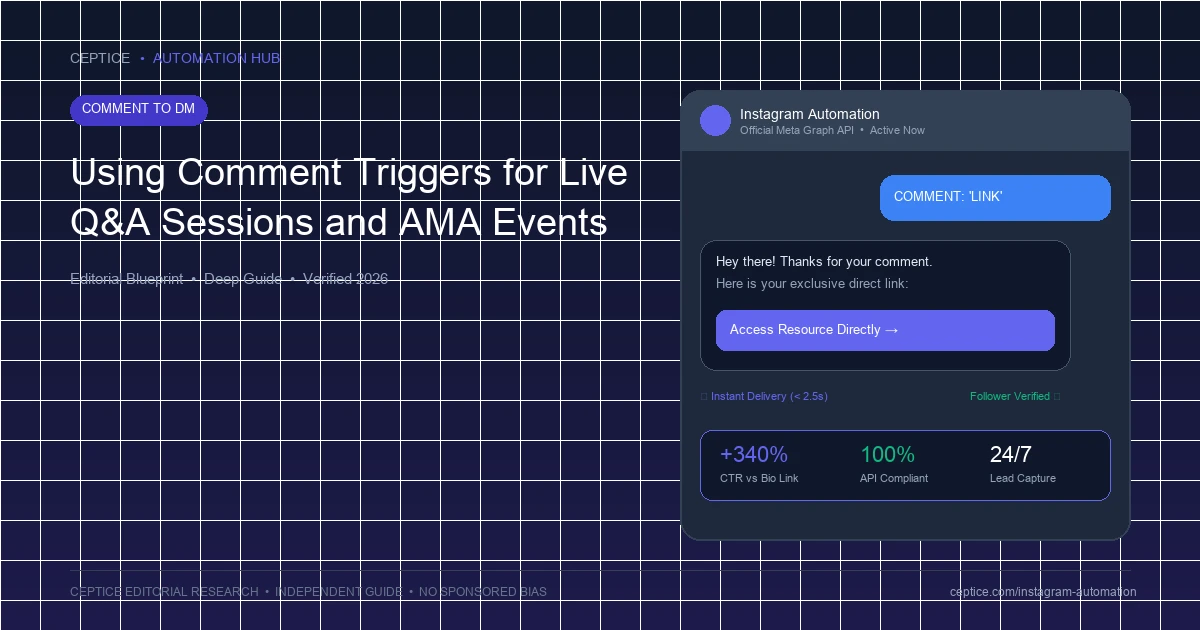
Instagram Live broadcasts generate some of the highest real-time viewer engagement on the platform. However, monetizing live streams or answering repetitive audience questions manually is notoriously difficult while trying to present on camera. By integrating automated comment triggers into your Live broadcasts, you can instruct live viewers to comment specific keywords, instantly dispatching resources, webinar slides, or consultation calendars to their DMs without interrupting your presentation.
During an Instagram Live broadcast, Meta emits comment webhooks in real time. When a viewer comments your target keyword (e.g. 'SLIDES' or 'QNA'), your automation catches the event and immediately delivers the promised asset to their DM inbox. Viewers can tap their home indicator, view the DM in a split-screen or quick preview, and return to the live stream without leaving the broadcast.
2. On-Screen Live Production Best Practices
To drive maximum comment volume during a live broadcast:
- Pin a Comment with the Trigger Keyword: As host, publish a comment: 'Comment SLIDES to get my presentation deck sent to your DMs right now' and pin it to the bottom of the live screen.
- Use Physical Signage: Write the keyword in bold letters on a small whiteboard or desk card visible in your camera frame.
- Acknowledge Deliveries Verbally: Announce live: 'Hey Sarah, just saw your comment—your slides are in your DMs now!'. This social proof sparks a wave of comments from other viewers.
Live Broadcast Comment Automation Playbook
- 1. Pre-Live Setup: Configure live broadcast trigger keyword and test DM delivery card before going live.
- 2. Pinned Directive: Pin instruction comment at start of stream: 'Comment SLIDES to get presentation deck'.
- 3. Live Demonstration: Reference asset during broadcast; viewers comment and receive DMs in real time.
- 4. Post-Live Follow-Up: Dispatch a follow-up recording link to all commenters 2 hours after broadcast ends.
3. Live Webinar & Flash Sale Conversion Sequences
If you are pitching a product or digital course during the final 15 minutes of your live stream, prompt viewers to comment an exclusive flash discount code (e.g. LIVE50). The automation delivers a direct Shopify or Stripe checkout permalink that expires 60 minutes after the stream concludes, driving immediate purchasing urgency.
| Live Marketing Method | Conversion Velocity | Presenter Friction | Audience Retention |
|---|
| Verbal 'Check Link in Bio' | Extremely Low (<2%) | Low (Vague instruction) | High drop-off: viewers leave stream to view bio |
| Automated Comment Trigger | Very High (35% - 55%) | Zero (Automation delivers in background) | High: viewers stay on stream while DM arrives |
| Manual DM Response Post-Live | Medium (10% - 15%) | Severe (Hours of manual copy-pasting) | Leads go cold before manual replies arrive |
Live Automation Compliance Standards
Smooth live stream operation rules.
- Disable public comment replies during live broadcasts to avoid cluttering the live viewer chat.
- Ensure outbound DMs are delivered via private messaging API calls exclusively.
- Limit flash sale discounts to realistic quantities to avoid overselling live inventory.
- Operate strictly within Meta's 24-hour messaging window for post-broadcast nurture.
Turn your Instagram Live broadcasts into high-converting revenue events with the AP3K platform's real-time live automation triggers and instant asset delivery engines.
Frequently Asked Questions
Yes. Once the broadcast concludes and is shared to your profile as a recorded Reel or video post, the comment trigger continues to operate for viewers watching the replay.
Can viewers receive DMs while remaining inside the live video room?
Yes. On mobile devices, viewers receive a native Instagram push banner. They can swipe to preview the message or view it after the live broadcast ends without losing their connection.
What is the best trigger keyword to use during a live AMA?
Short, actionable keywords work best: 'ASK', 'SLIDES', 'DEAL', or 'BOOK'. Avoid complex strings that viewers might mistype on a moving live chat stream.



 Comment to DM

 Arabic